WeBotApp MR Reporting Software Setup Guide
By Webotapp Academy•Published: •Updated:
- You need to purchase Pharmaceutical Panel Setup Guide from either India Web Designs or Code Canyon.
- You need to have xampp installed on your computer if you want to test in localhost.
- You need to have a domain & a hosting account to host it on Live Server. We recommend you to get the hosting from WeBotApp Cloud or Hostinger.
Step 1: Purchase, Download & Extract The Source Code.
- Download the source code and extract it.
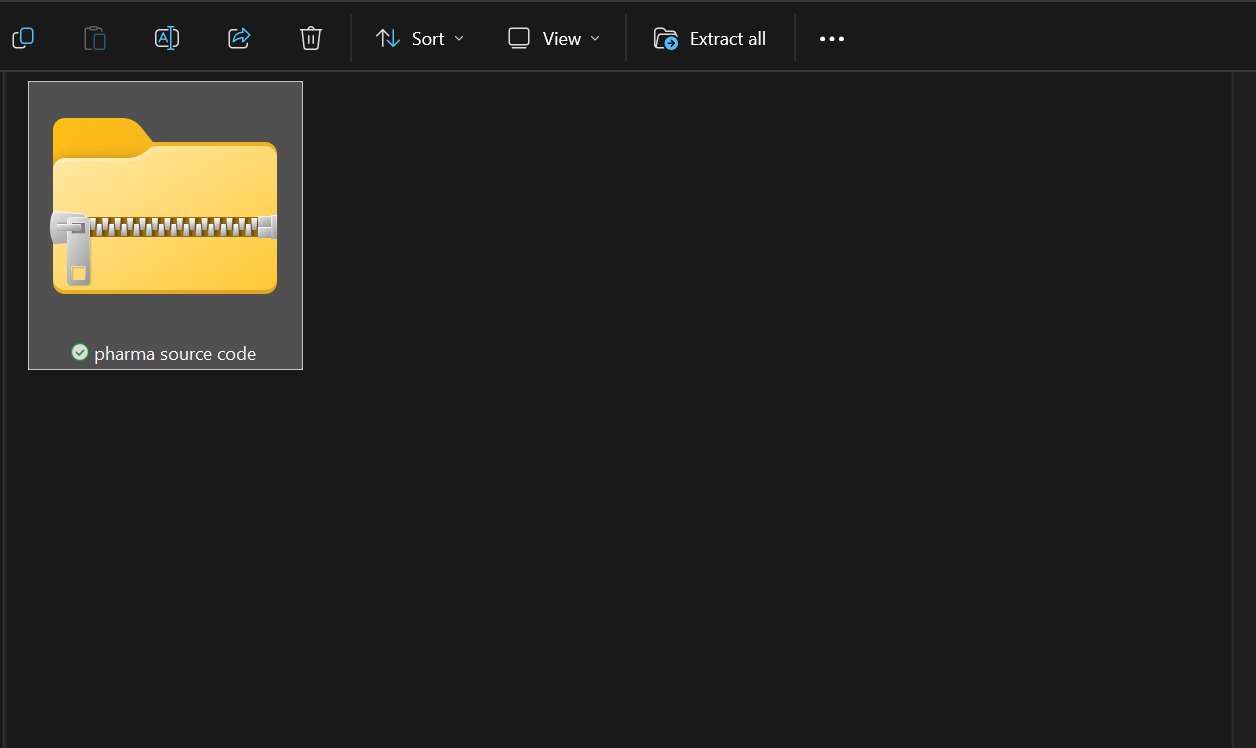
- Once done, you will find one zip file, one SQL file, and one setup guide.
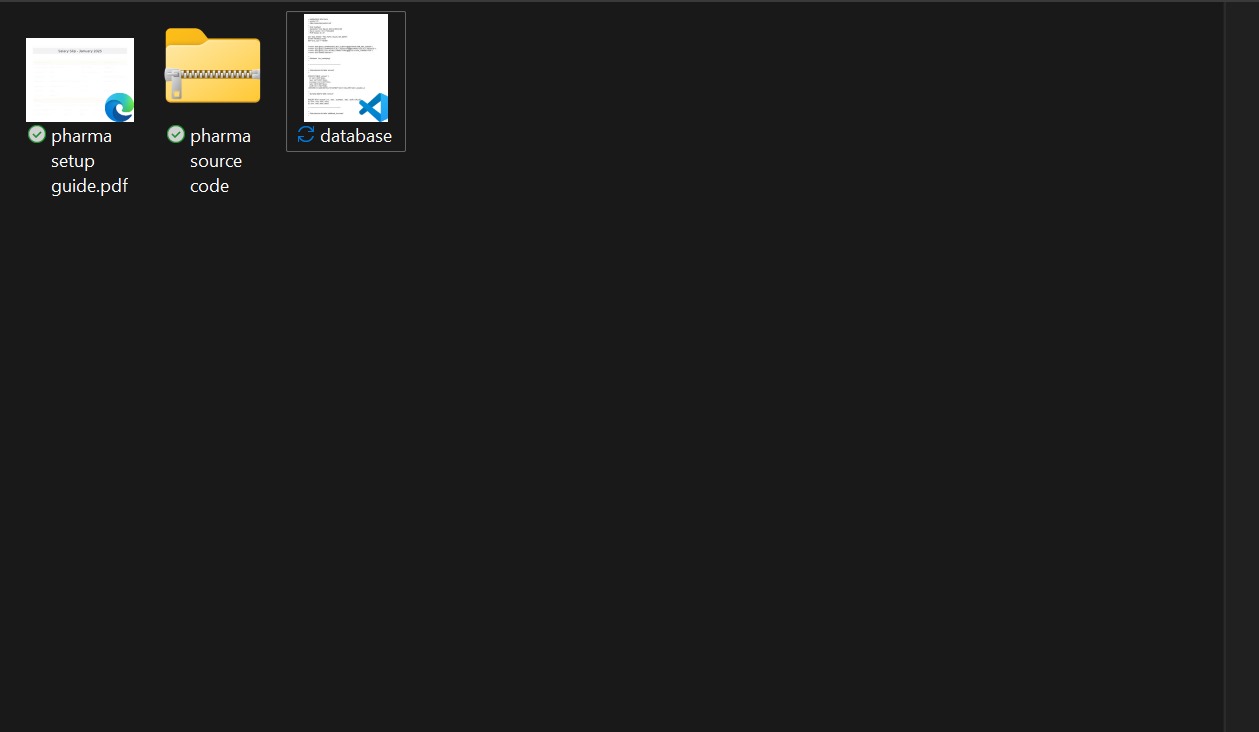
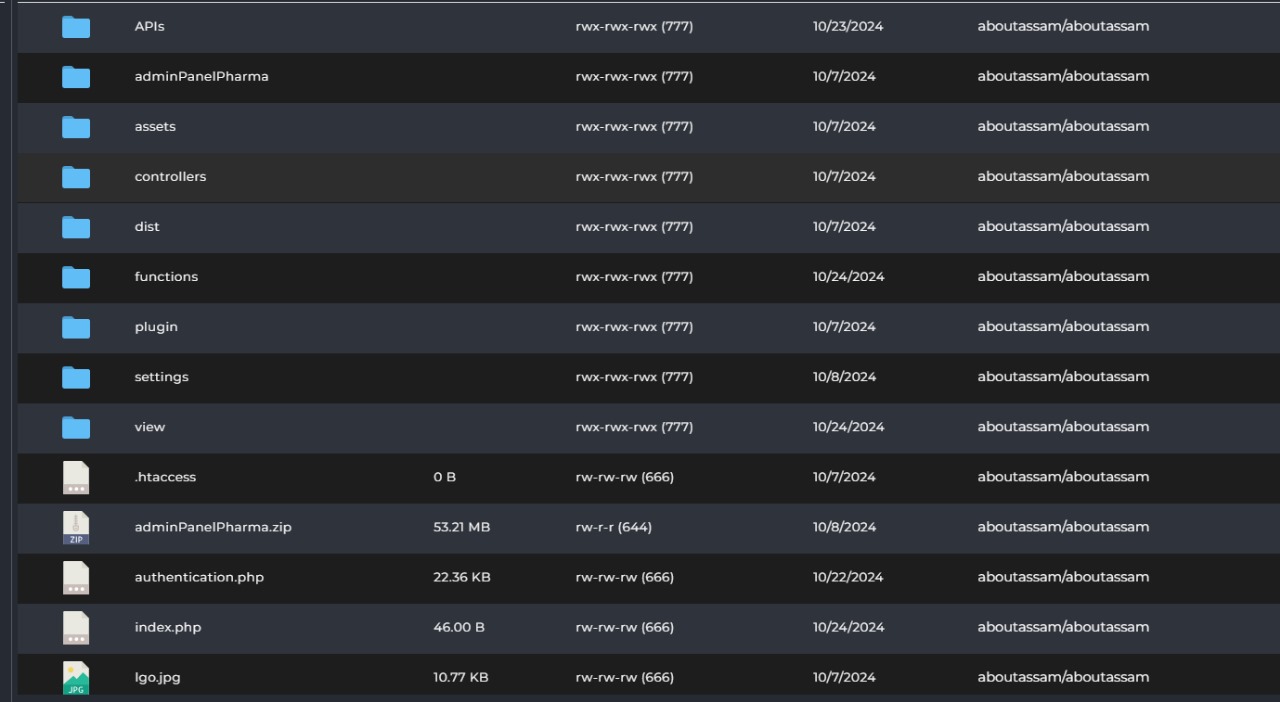
Step 2: Open the Admin Panel & Upload it to your server.
- Extract The Source Code And Upload it to Server.
- Upload all the files to your server.
Step 3: Create A Database and Import SQL File.
- Create a MySQL database in your hosting.
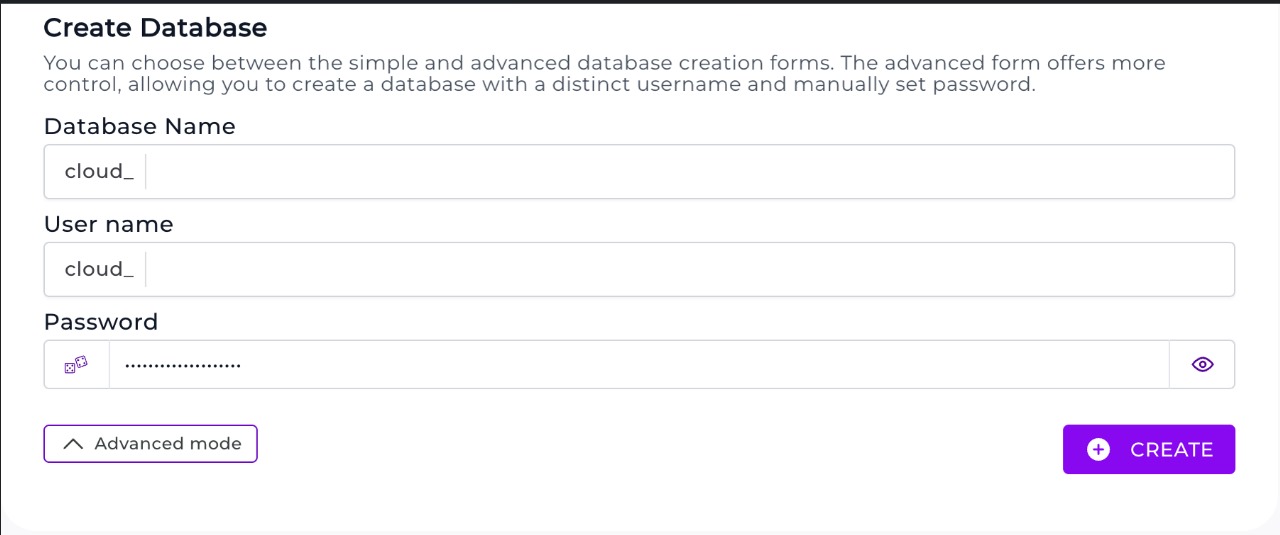
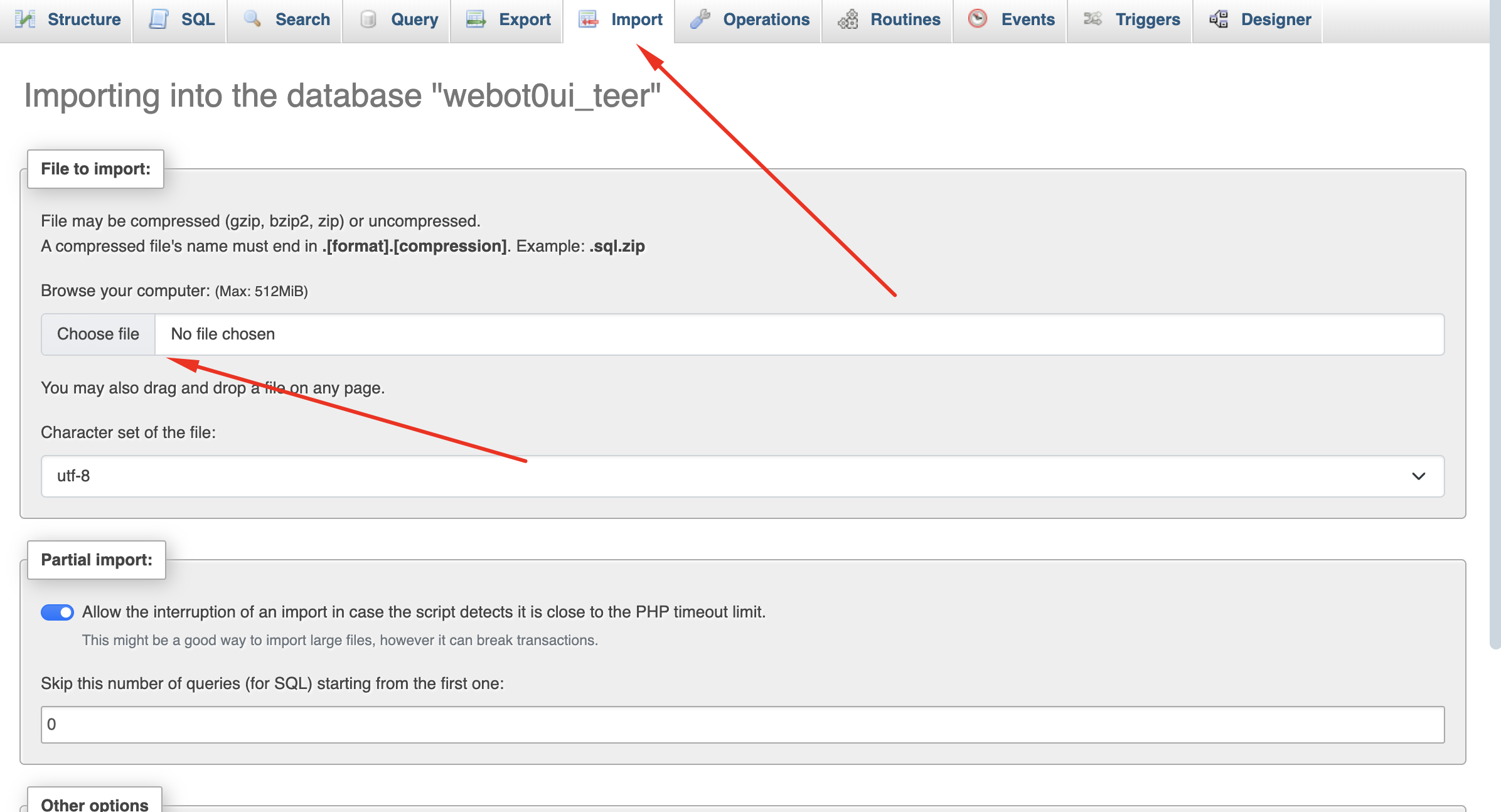
- Open PhpMyAdmin > Select Your Database > Import The SQL File
Step 4: Configure The Database with the admin panel (2 Pages)
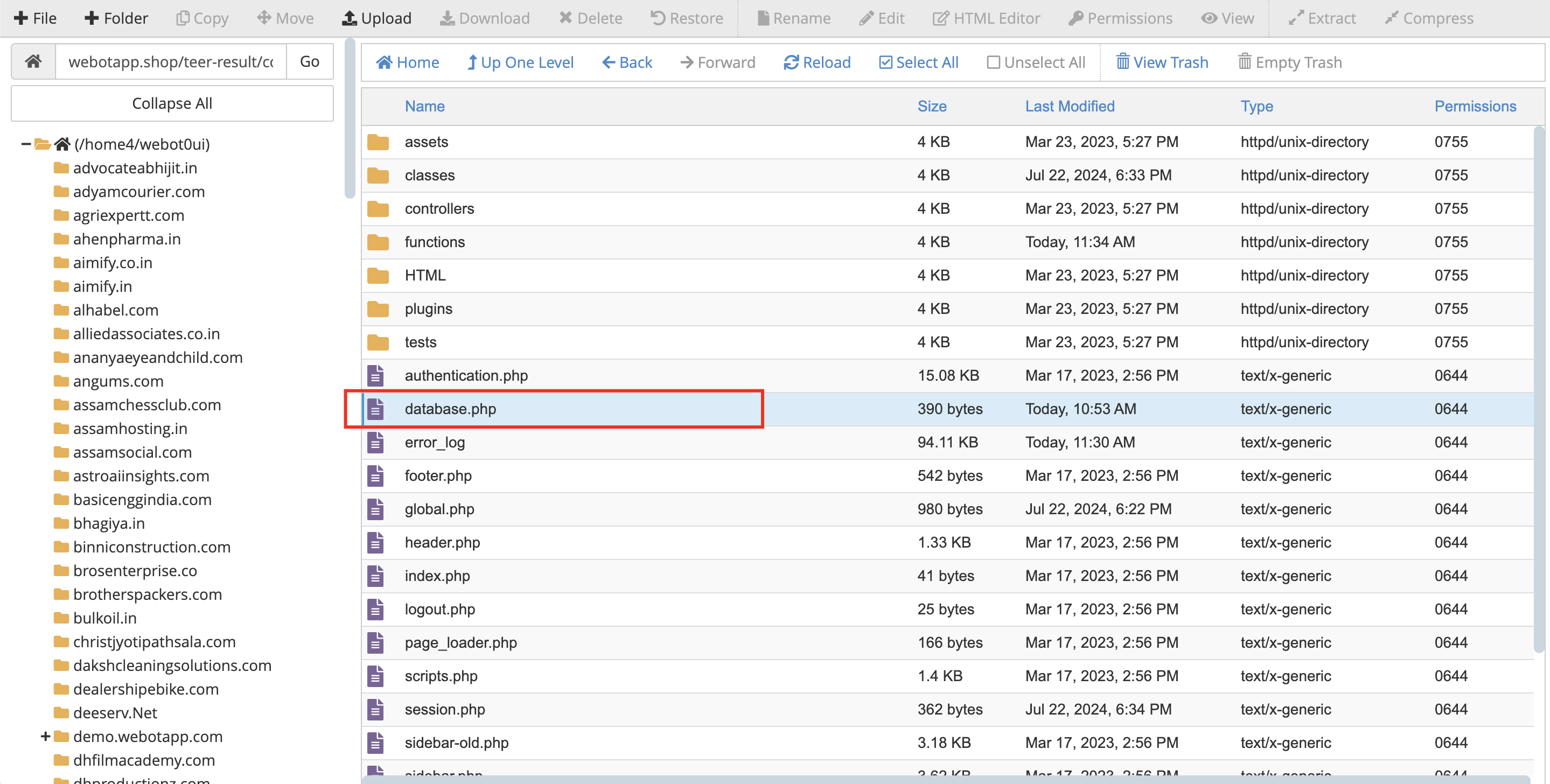
- Go to public_html > corporate-admin > database.php
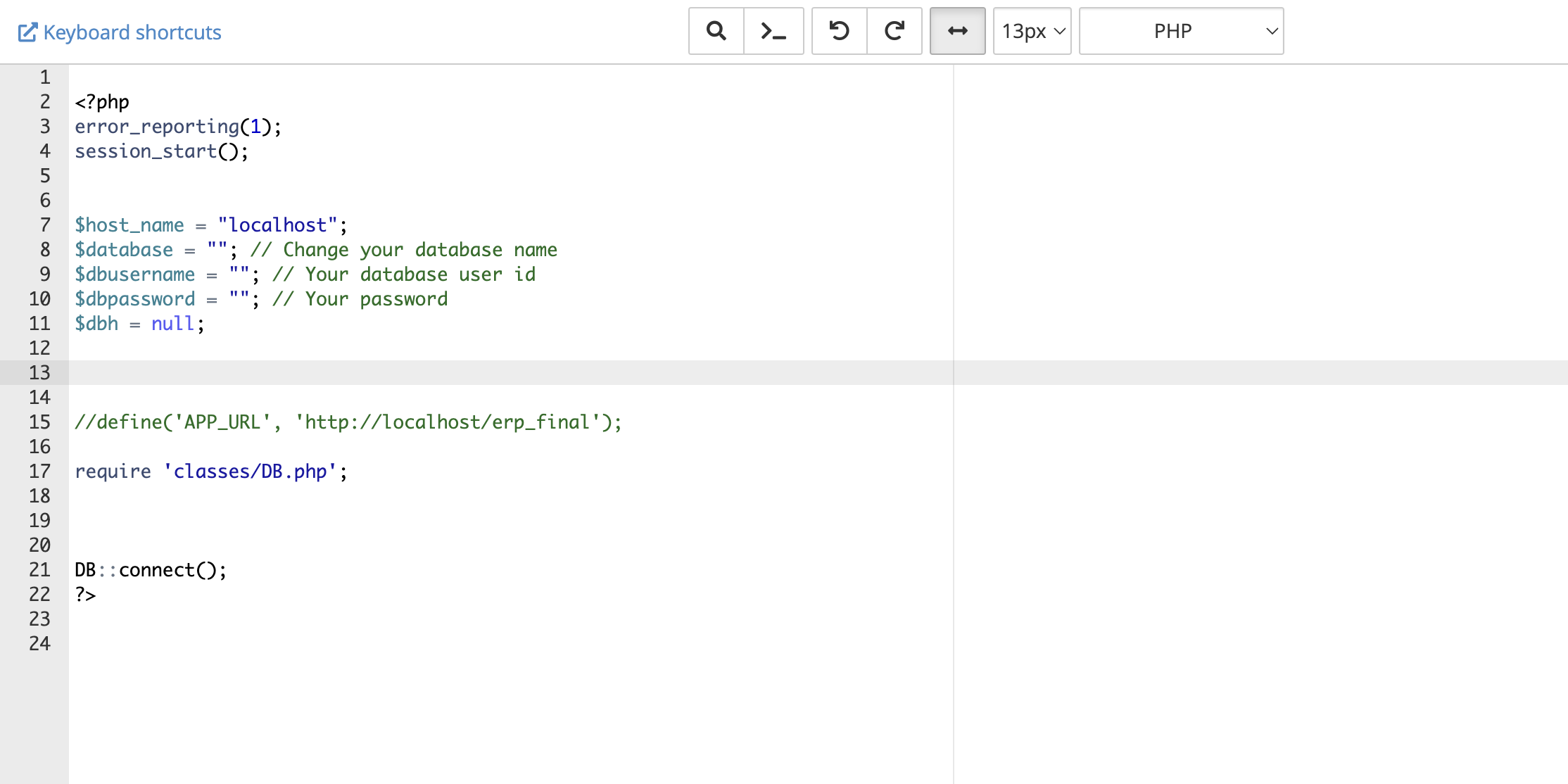
- Update the credentials
Step 5: Login To Your Admin Panel
- Visit www.yourdomain.com/corporate-admin
- User Name is admin, Password is admin
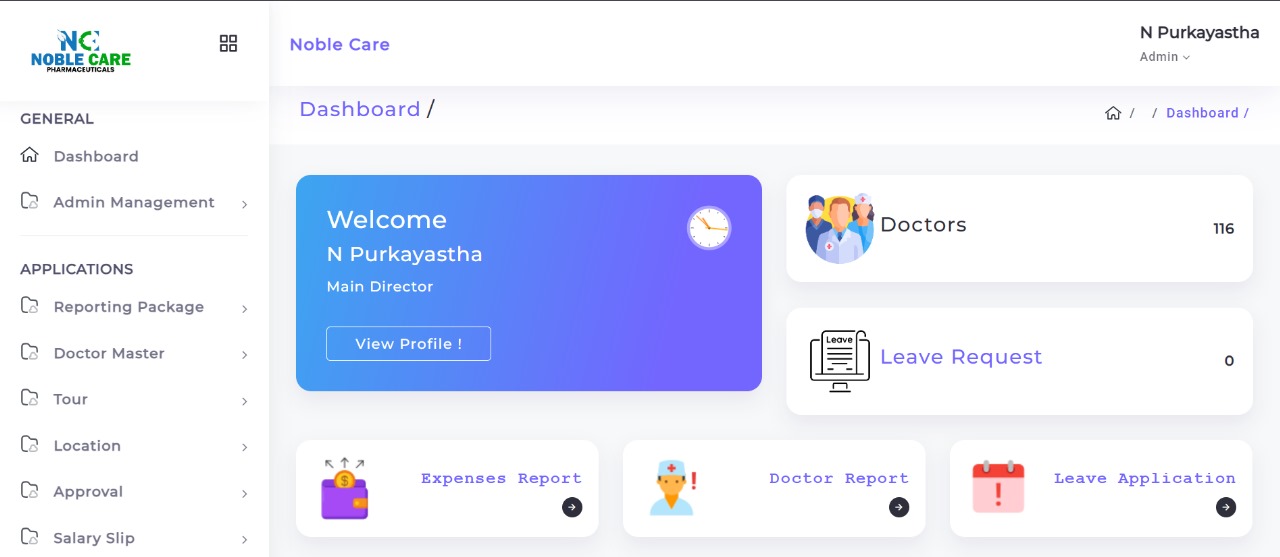
All Done!
For any query kindly WhatsApp +91 7002 484 119
Exclusive Discount Offer
Inquire for Course Fee & Discounts
Get full program details, syllabus breakdown, and claim your exclusive course fee discount for the Best Digital Marketing Course in Guwahati.